Absolutely. CampusCV is designed to be easy to use, even if you have no coding or web design experience. Choose a template, add your information, customize your portfolio, and publish it.
Yes. Upload your resume in PDF, DOC, or DOCX format and CampusCV can automatically extract details such as your education, experience, projects, skills, and certifications. You can review and edit everything before publishing.
Yes. You can update your information, projects, skills, education, experience, images, and other sections whenever you want. Changes can be made directly through the visual portfolio editor.
Yes. Your information is stored in your CampusCV profile rather than being tied to one template. This means you can switch templates without losing your projects, education, experience, skills, images, or other information.
Yes. CampusCV portfolios are designed to work across desktop, tablet, and mobile devices, so your portfolio can be viewed properly regardless of the device a recruiter or client uses.
Definitely. Once your portfolio is published, you get a personal portfolio URL and QR code. Add the link or QR code to your resume, LinkedIn profile, applications, business cards, or share it directly with recruiters and clients.
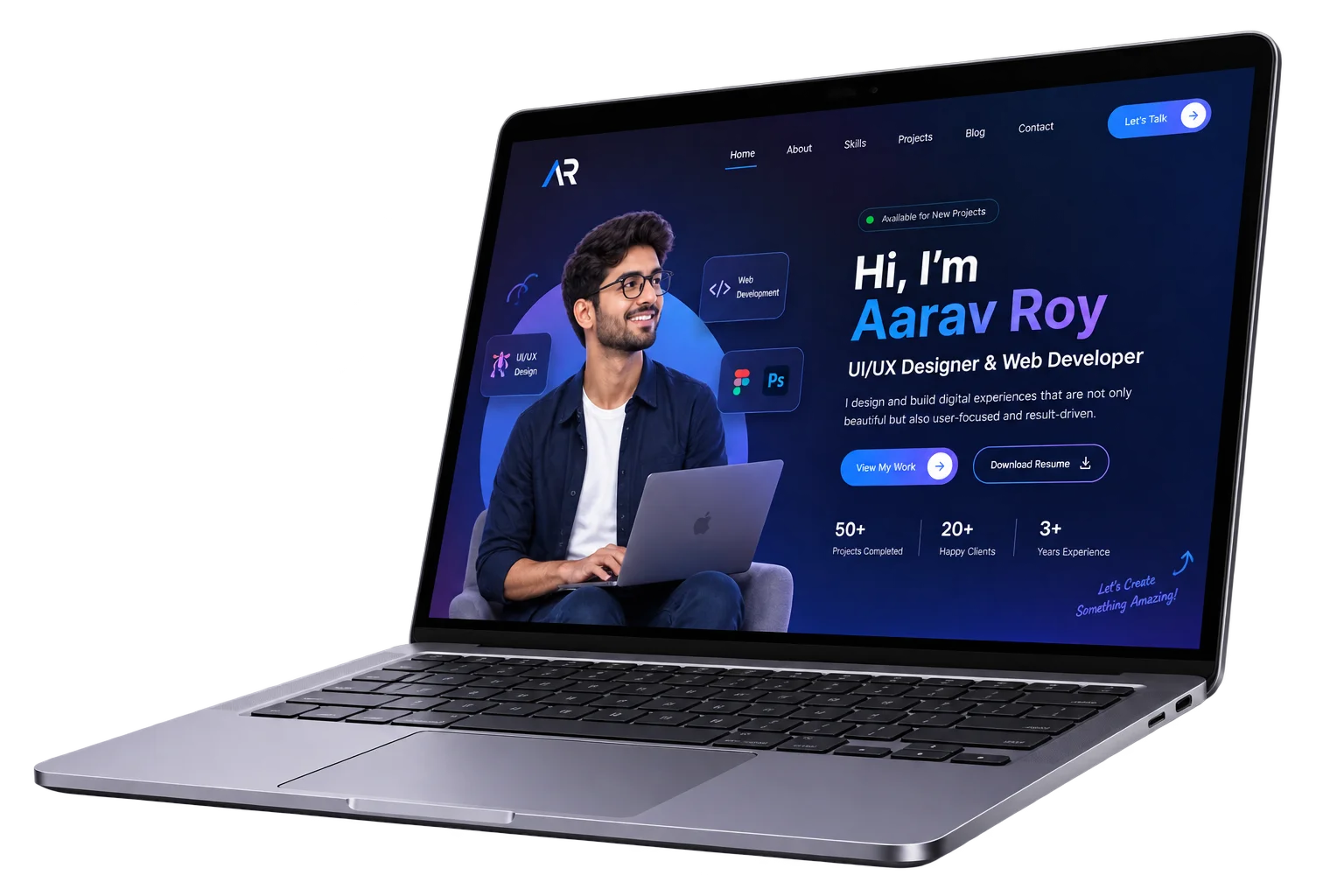
Create a professional portfolio that showcases your skills, projects, and achievements—all in one place.
© 2026 CampusCV. All rights reserved by Infowaves Media Agency.